Search by Barcode
You can quickly search for library materials by barcode.
- Select Catalog > Library Search > Barcode sub-tab.
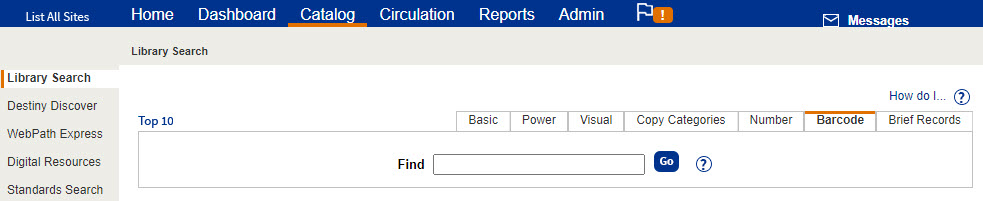
- In the Find field, scan or type the copy's entire barcode number.
Note: Wildcard characters such as * and ? are not valid. - If you type the barcode, click Go.
Destiny searches only your library